There are actually two methods on how to find out the world seed for the Bedrock server. Hopefully we'll have an automation for this soon!
Method - Download your world
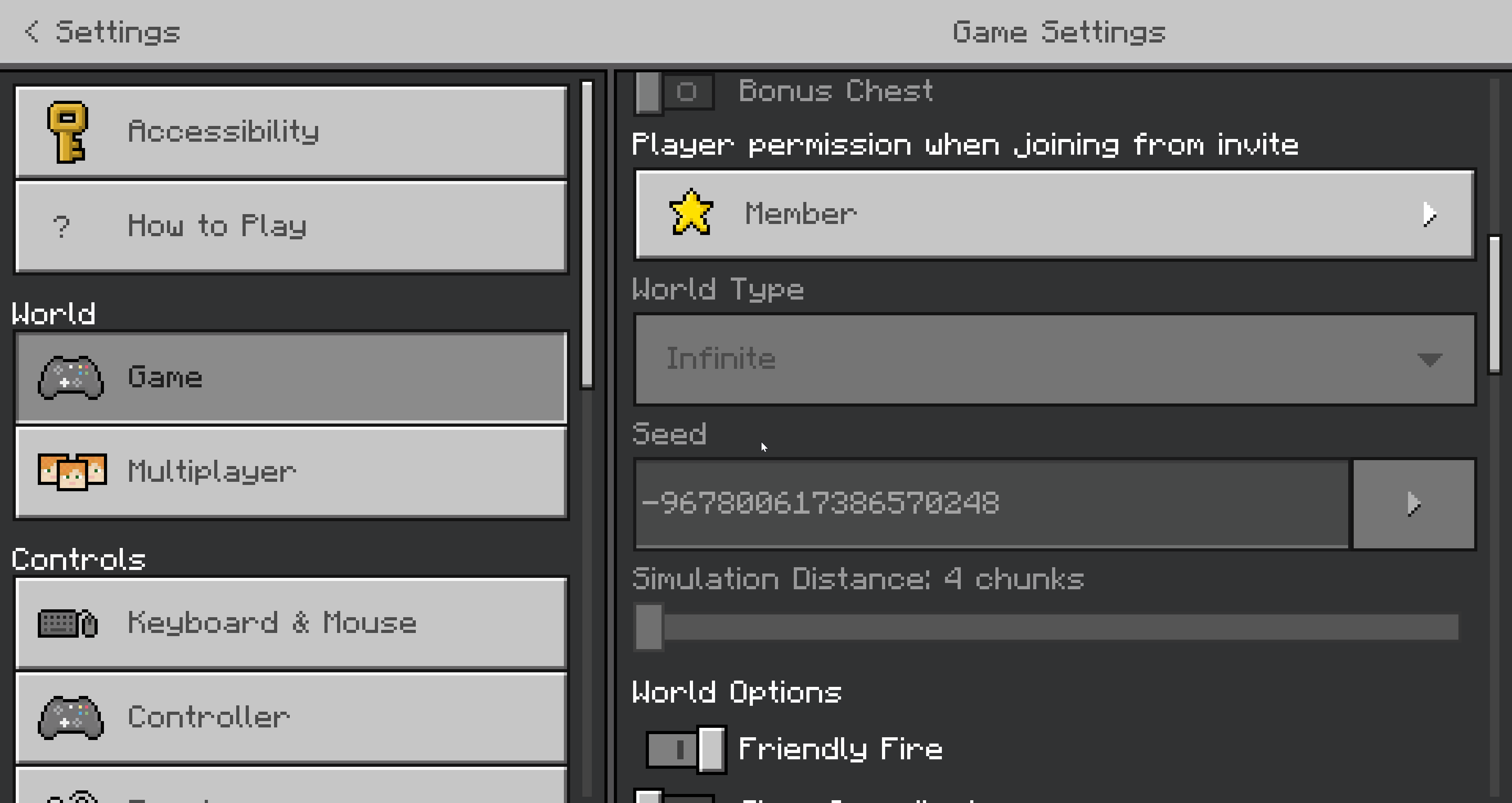
You can download the world from the server, launch it up on the Singleplayer and find world seed from the Settings tab:
Method - Inspect level.dat file
On Bedrock, the level.dat file isn't accessible with NBTExplorer as it's written in another language.
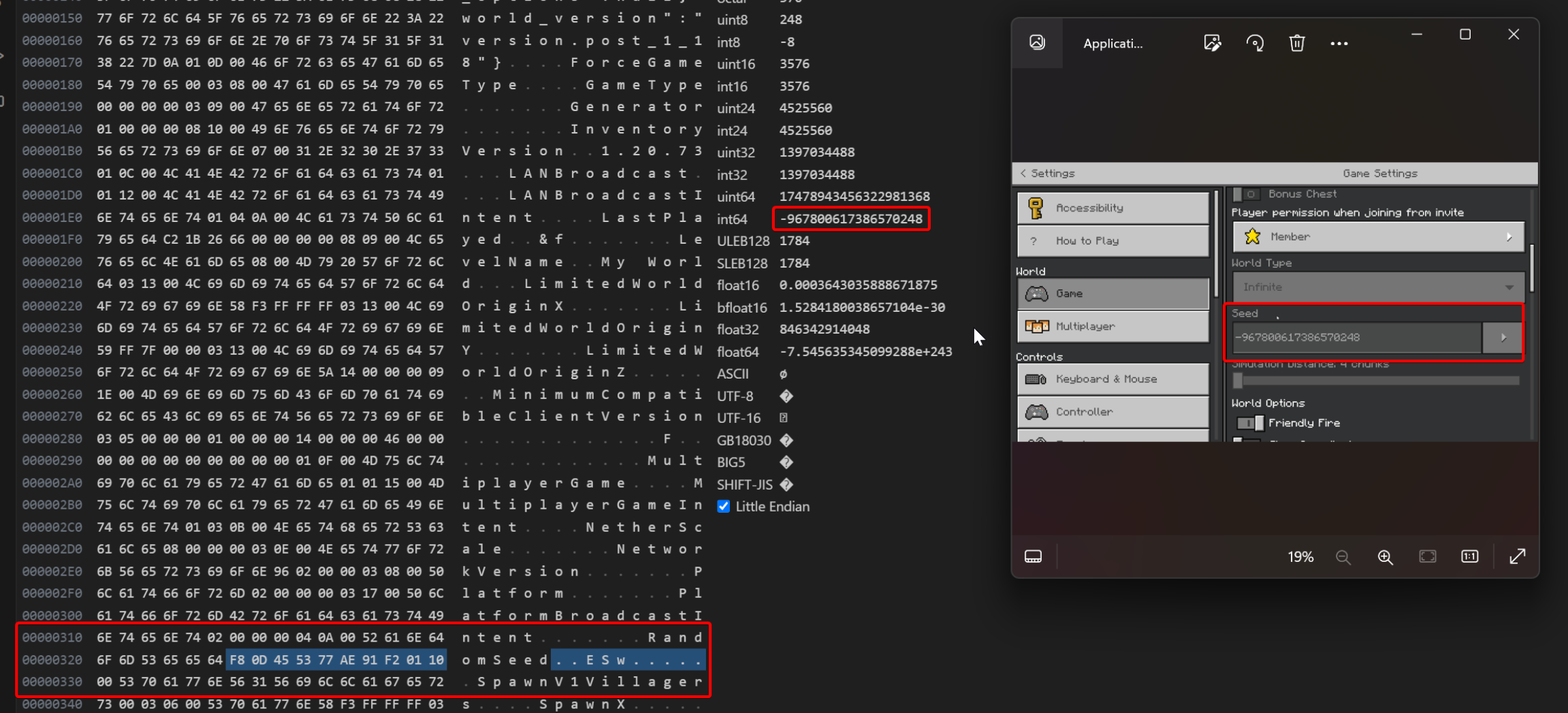
To access the level.dat information, you'll have to use the VSCode: Hex Editor. So first, install Visual Studio Code to your PC, then add the Hex Editor addon to it, and launch level.dat with it.

And the results:
Important:
Don't highlight the "00" at the end!
Seed = int64 value
